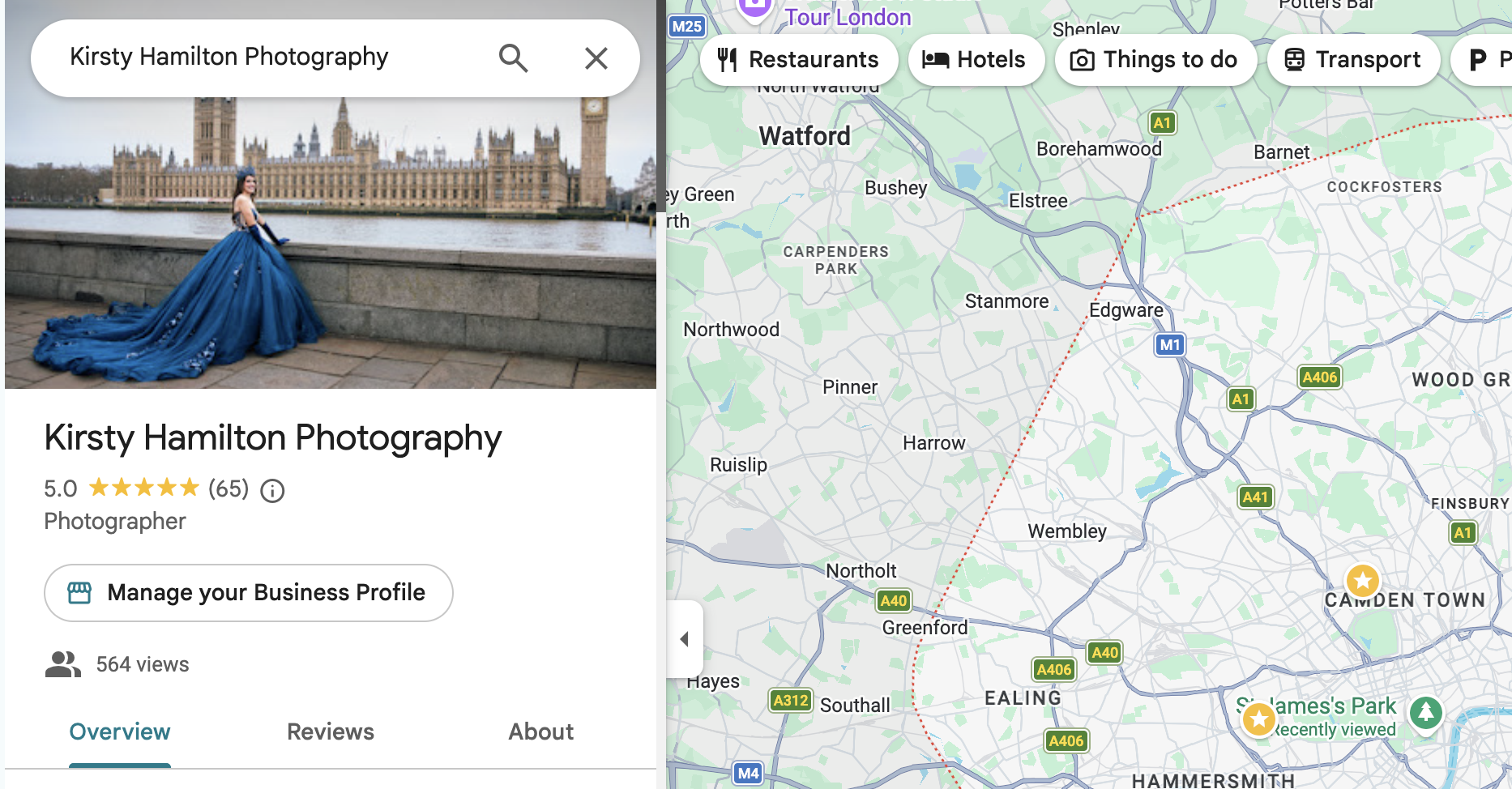
A Google Business Profile is the free listing that puts your photography business on Google Maps and in the panel beside search results, and it's one of the easiest wins in this whole getting-found business. It costs nothing, it takes an afternoon to sort properly, and it feeds both your Google rankings AND your AI search visibility. And yet most photographers either haven't claimed theirs or set it up in 2019 and never looked at it again.
This is the third piece in my getting-found series (the SEO post and the AIEO post came first), and it's the most practical of the three. Kettle on, profile open, let's sort it.
Do photographers really need a Google Business Profile?
Yes, and here's the honest version of why. When someone searches "family photographer near me", Google often shows a map with three local businesses before a single normal website result. If you're not in that conversation, someone else is. And the trust signals your profile gathers (those gold stars especially) follow you everywhere: into search results, into the panel when someone Googles your name, and increasingly into AI answers, which love citing what real clients said.
One honest caveat, from my own experience: don't expect your profile to become a booking machine on its own. Mine mostly sends people onwards to my website, where the real convincing happens. That's not failure, that's the job. The profile is a signpost and a trust engine, not a sales page.
How do I set my profile up properly?
It is about an afternoon's work, in this order:
Claim and verify it. Search your business name; if a profile exists, claim it, and if not, create one at google.com/business. Verification is usually a code by post or phone.
Choose the right category. "Photographer" as your primary, plus the specifics that fit ("Wedding photographer" only if you actually shoot them, "Portrait studio" only if you have one). Google leans on this heavily.
Set a service area, not an address. Working from home? You don't need to publish your house on the internet. Choose "service area business", hide the address, and list the areas you actually cover.
Write your description with the one-sentence rule. The same clear sentence from the AIEO post: who you are, what you photograph, where. Then a warm paragraph in your own voice. No keyword soup.
Fill everything in. Hours, website link, booking link, phone if you take calls. Then photos, and plenty of them: your best work, and make sure you include one of your face. People book people.
Match your website. Your name, areas, services and prices should agree with what your site says. Machines cross-check, and contradictions cost you in the rankings.
How do I get more Google reviews as a photographer?
This is the engine, and the good news is that delighted clients WANT to help you. They just need to be asked, at the right moment, with zero effort required.
My system, which has earned me 60+ five-star reviews one happy client at a time: ask when the joy is highest, right after gallery delivery, when they've just seen the photos and love you most. Send the direct review link (your profile gives you one) so it's one tap, not a treasure hunt. And every so often, send a warm batch email to past clients who never got round to it. Every single time I send one, new reviews arrive. People are lovely. They're just busy.
Then reply to every review, briefly and warmly. It shows future clients (and the machines reading along) that there's a real, present human behind the stars.
Does a Google Business Profile help my SEO and AI visibility?
Genuinely, yes, and this is where the whole series joins up. Your profile strengthens your local rankings, those reviews are exactly the third-party proof AI assistants reach for when deciding who to recommend, and a complete, consistent profile makes you easy to describe, which the AIEO post explains is most of the game. One afternoon of setup, working for you on three fronts.
Setting your profile up to standard, and building the review engine behind it, is one of the things I walk through step by step in SEO Success for Photographers (£99, nine lessons, no code anywhere). And if you're not ready for a course, my free guides for photographers are yours, no strings.
Now go and look at your profile. If it still has a blurry-ish photo of you from a few years and three phones ago, you know what this afternoon is for.
Good Questions, Honest Answers
-
Yes. It's free, it puts a photography business on Google Maps and in local search results, and the reviews it gathers build trust in ordinary search and in AI-generated recommendations alike.
-
Completely free. Claiming, verifying and managing a profile at google.com/business costs nothing; be wary of anyone cold-calling to charge you for it.
-
Ask at the moment of highest delight, right after gallery delivery, and send the direct review link so leaving one takes a single tap. A warm batch email to past clients who never got round to it reliably brings in more.
-
Yes. Set the profile up as a service-area business: your home address stays hidden, and you list the towns and areas you cover instead.
-
Yes, on two fronts: it strengthens local search visibility (including the map results shown above normal listings), and its reviews provide the third-party proof that both Google and AI assistants use when deciding which businesses to surface.